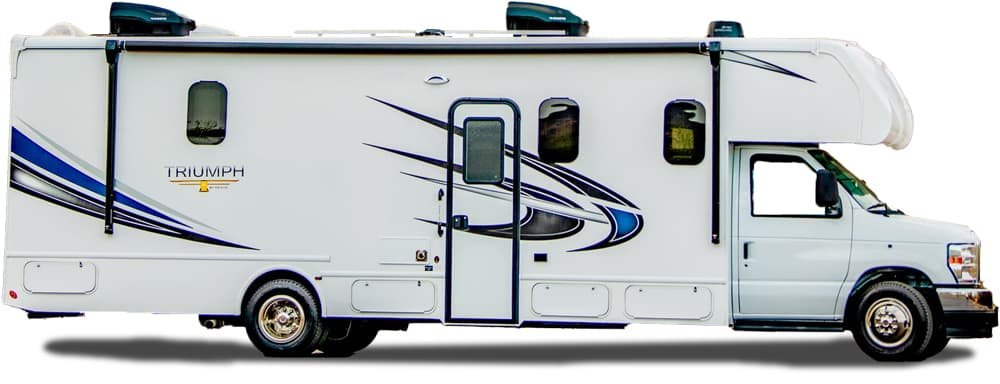
Nexus Triumph 29T Water: Dry Camping, Tank Fill & City Water
A quick guide to the Triumph 29T’s three water settings: dry camping, tank fill, and city water.
Where to Find the Water Controls
The water intake valve is on the rear driver side of the RV. This one knob controls all three water modes.
Dry Camping
Use the dry camping setting when you’re off-grid or don’t have access to a pressurized water hookup. In this mode, the onboard water pump pulls water from the 40-gallon fresh water tank to your sink, shower, and toilet. The water pump needs to be on.
Tank Fill
Turn the knob to tank fill when your fresh water tank is empty and you need to refill it from a water source.
Connect your hose to the inlet, run water in, and watch for water to pour out of the vent hole — that means the tank is full. Turn the water off, disconnect, and return the knob to dry camping.
City Water
At a campsite with a pressurized hookup, turn the knob to city water. This bypasses the fresh water tank entirely and pulls water directly from the campsite source.
The water pump should be off in this mode.
Troubleshooting the 29T Water System
No water when dry camping? Confirm the knob is set to dry camping and the water pump is on.
Water not entering the fresh tank? Confirm the knob is set to tank fill and the hose is connected to both the inlet and the water source.
No water on city water hookup? Confirm the knob is set to city water and the hose is connected to both the city inlet and the campsite faucet.
If the issue continues, call the Blacksford manager's phone number you received at check-in. They’re available 24/7.
Related Videos
Watch more Nexus Triumph 29T videos: